Empowering the people building our world.
From quick sketches to complex creations, SketchUp provides an accessible suite of tools to help streamline your workflow and manage your projects end-to-end.
Design delightfully. Collaborate clearly. Build better buildings.
From quick sketches to complex creations, SketchUp provides an accessible suite of tools to help streamline your workflow and manage your projects end-to-end.
From quick sketches to complex creations, SketchUp provides an accessible suite of tools to help streamline your workflow and manage your projects end-to-end. Learn more about a few of the major industries we support.
Share, view, and comment
Centralize design feedback to easily advance design decisions. Create comment threads, upload images and camera views, and add emojis. Share from SketchUp for Desktop to view on the web.
Engage clients and stakeholders directly in your 3D models. Built-in comments and instant viewer updates foster dynamic conversations and ensure everyone is confident in the latest design iterations.
Connect with clients and stakeholders directly within your 3D models. Host rich, contextual conversations with integrated comments and instant updates.
Collaborate directly in 3D models. Built-in comments and instant updates keep project teams and stakeholders aligned as construction progresses, reducing miscommunications and enhancing decisions.
Boost retail space planning with real-time, in-model comments. Enable discussions directly in your models. Guide stakeholders through concepts that align with objectives and enhance client experience.
Experience more professional, flexible drawing and documentation with new 2D drafting tools and the DWG support you’ve been asking for. Coupled with a modernized interface (Windows-only), accomplish more in LayOut.
Unlock more intuitive and professional 2D drawing with four new drafting tools. Streamline architectural illustration and detailing with Extend, Trim, Fillet, and Chamfer, now easily accessible standalone tools in LayOut.
Unified UI in SketchUp for Desktop and LayOut (Windows-only) modernizes LayOut and offers more seamless transitions from 3D to 2D or vice versa. Plus, customize tray and panel docking locations to suit you.
SketchUp Tags now translate to CAD layers in DWG exports. When moving from 3D in SketchUp to 2D in LayOut and into other CAD environments, layers are created from each SketchUp Tag with Tag properties maintained.
Advanced visualization control
Refined visualization capabilities offer more precise stylistic control and new options to tailor materials to your unique designs. Plus, a new Diffusion (Labs) increases control of AI-generated imagery for ultra-fast realistic project imagery.
Improved site context
Work more efficiently with scan data and site context. Scan Essentials now simplifies generating meshes from point clouds and has new tools for visual outputs. Plus, Add Location updates let you import existing buildings as 3D geometry natively.
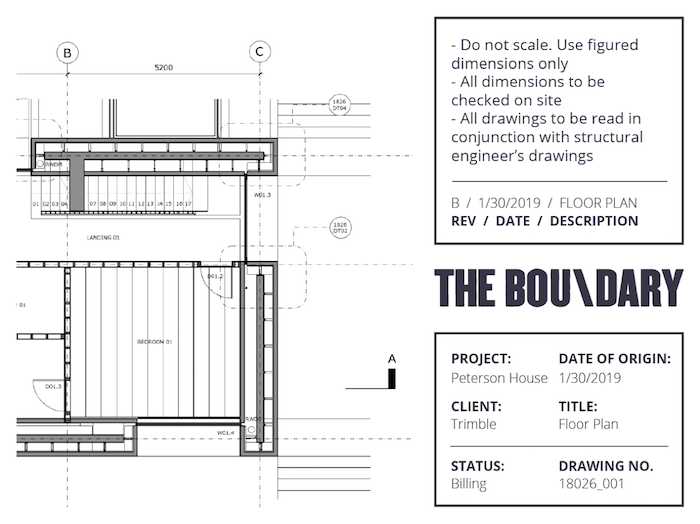
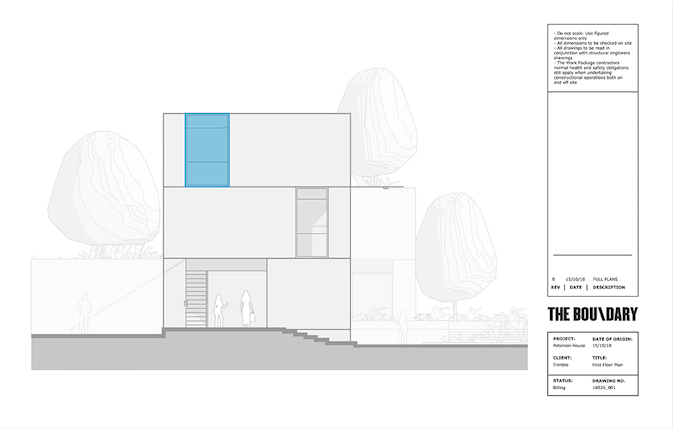
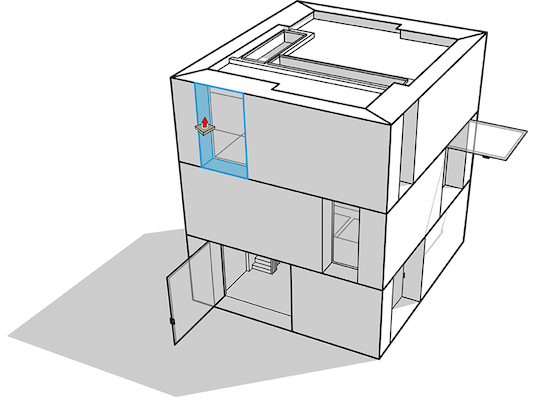
Take your 3D model into 2D space.
LayOut helps you show your client or partner that you’ve captured what you have discussed, and move the project forward confidently..
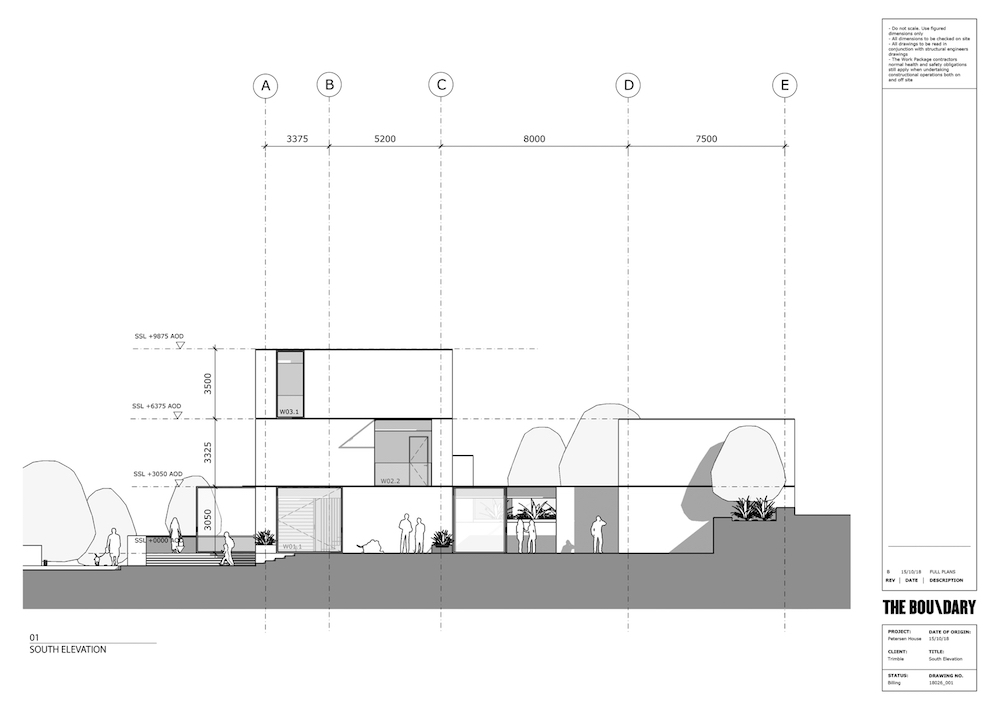
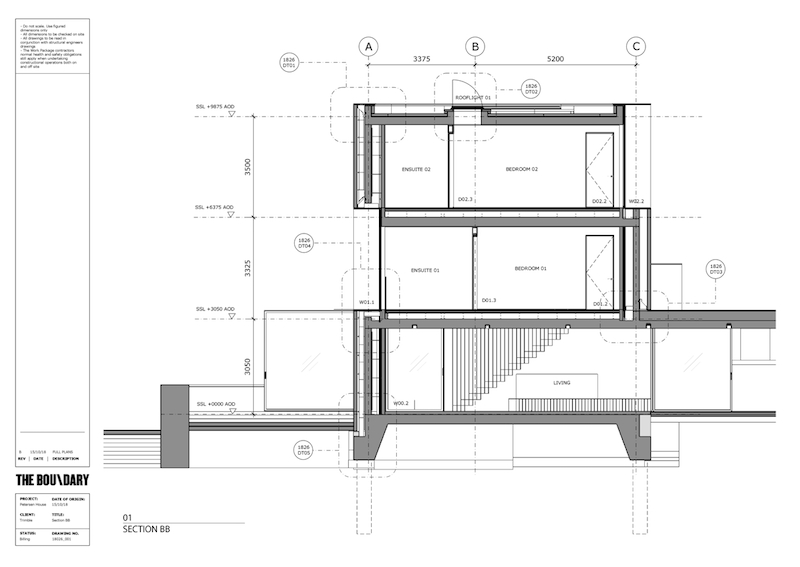
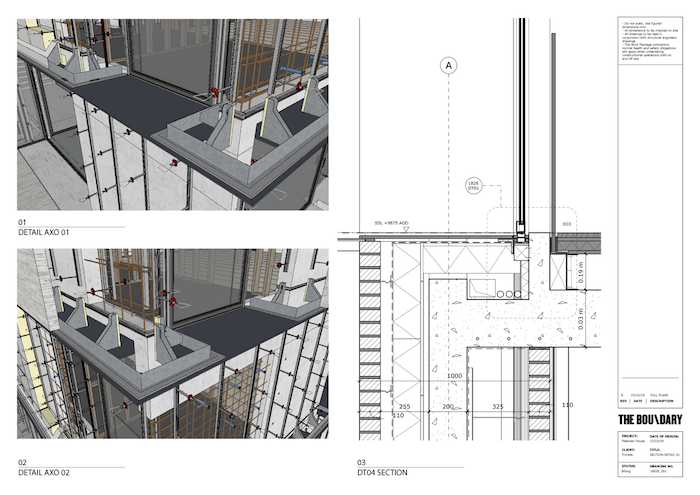
Never wonder if your drawings are clearly communicating what your intentions are. Clearly call out materials, lengths and details to your contractor, builder, or interior designer.
Easily explain the intricate detail of one model, and show real-world scale… all on one page.